 Octomate
· Appointment Manager
Your calendar, managed without back-and-forth calls
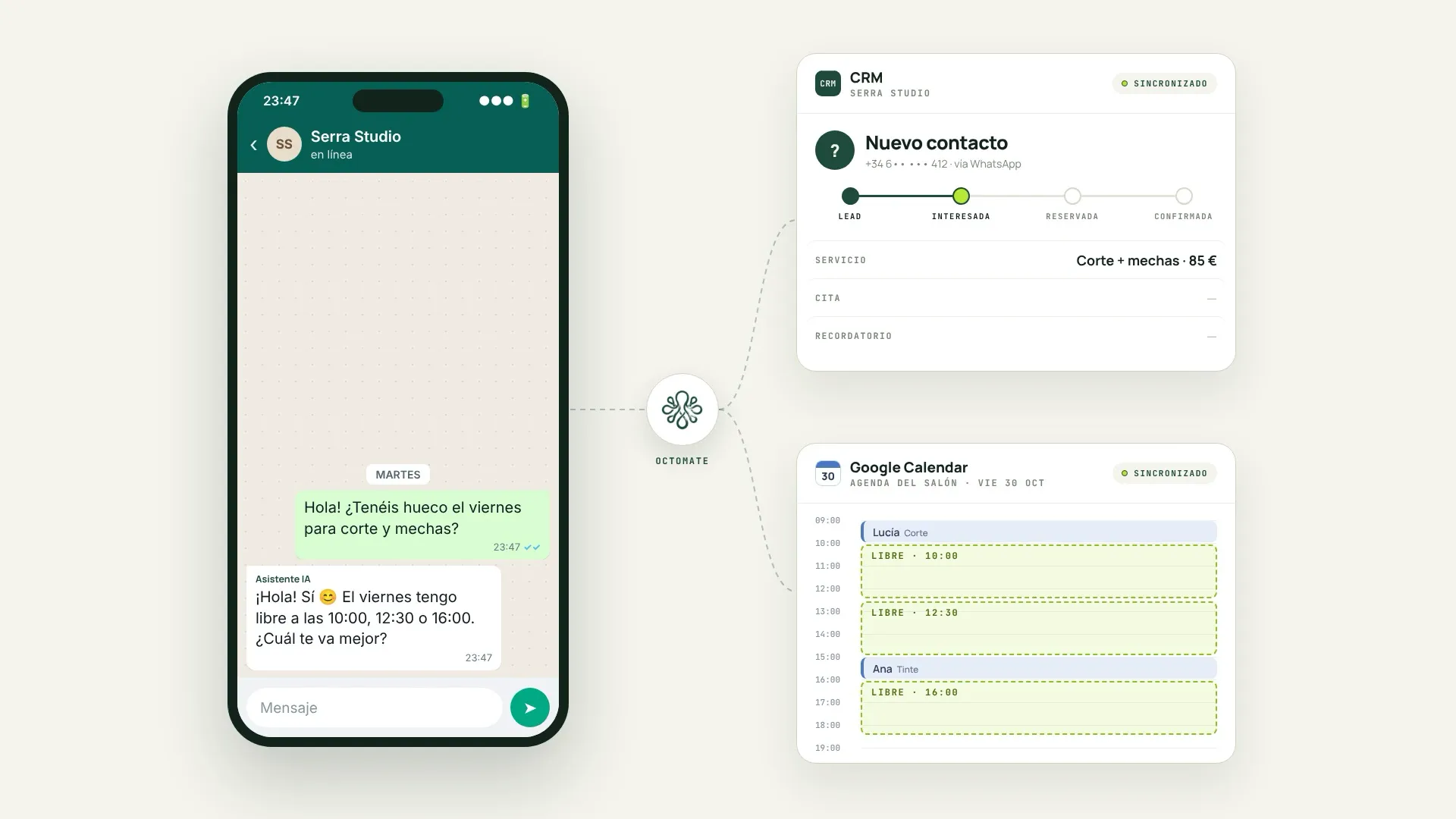
The agent checks availability, books, confirms, reminds and handles changes so your calendar stays up to date.
· The problem
Hours on the phone to fix one appointment
Every booking means asking, finding a slot, confirming and sometimes starting again. And when someone does not show up, the slot is lost.
- Calls and messages that interrupt your work.
- Reminders that get forgotten.
- Last-minute cancellations that leave empty slots.
· Explore the impact
From daily friction to a practical improvement
Select each point to see where the solution helps and what changes in your business.

· Benefits
What changes in your business
-
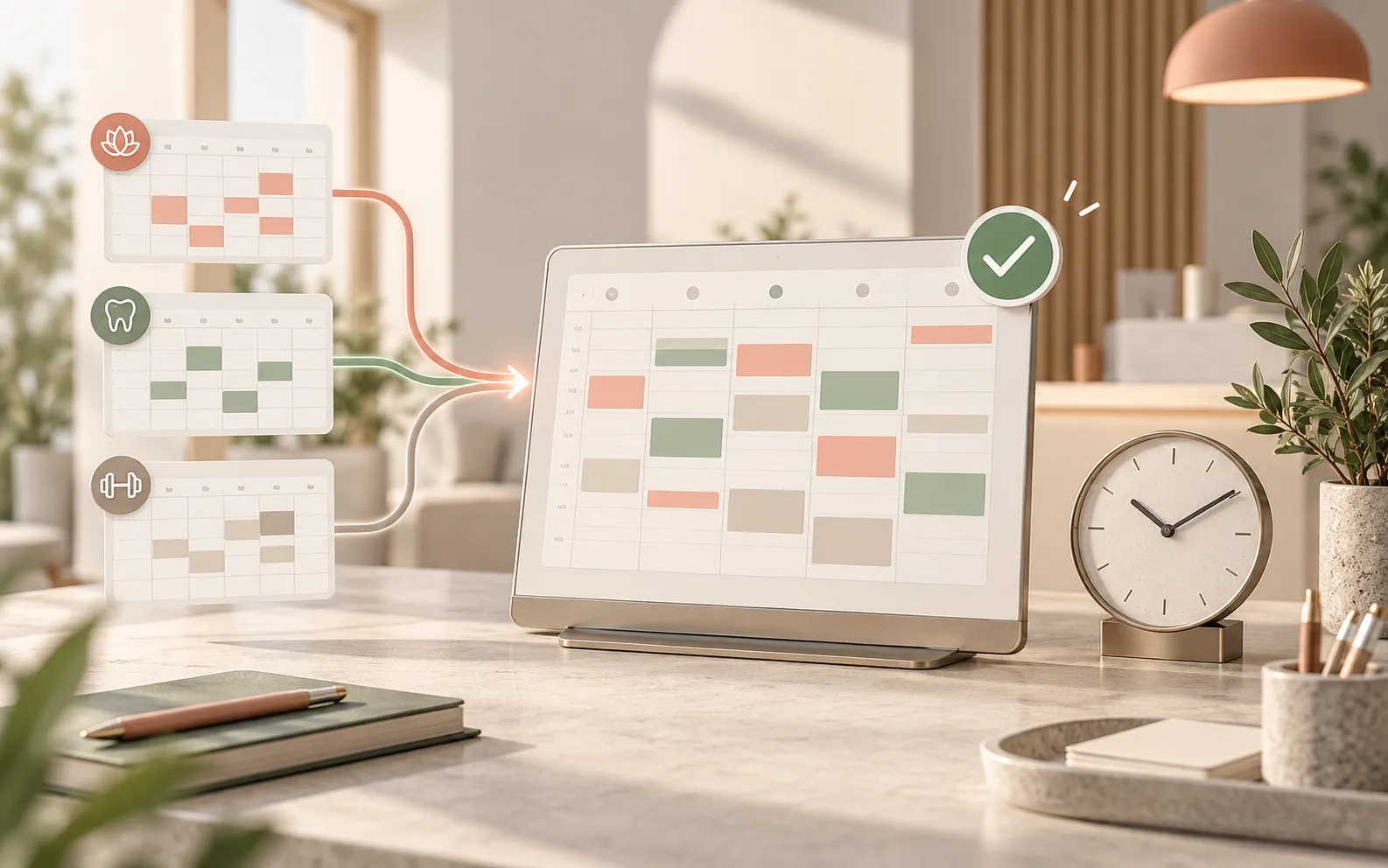
Calendar up to date
Bookings, changes and cancellations are reflected without you touching anything.
-
Fewer no-shows
Confirmations and reminders help your customers remember their appointment.
-
More time to serve
Your team stops juggling calendars and focuses on the service.
Features
- Bookings.
- Availability checks.
- Confirmations.
- Reminders.
- Cancellations and changes.
· How it works
From request to confirmed appointment
How the agent handles a typical booking.
- The customer asks for an appointment.
- The agent checks availability.
- It offers slots and books the chosen one.
- It sends the confirmation.
- It sends a reminder before the date.
Frequently asked questions
Does it work with my current calendar?
If your calendar tool allows integration, yes. We check this in the initial analysis.
Can I set my own rules?
Yes. Opening hours, the length of each service, gaps between appointments and cancellation terms are configured with you.
What if a customer wants to change their appointment?
The agent can handle changes and cancellations according to the rules you have set.
Want to stop juggling calendars by hand?
Tell us how you manage appointments and we propose how to automate it.
Automate my appointments
